Client SDK (DIMO Connect)
Get Data Permissions From Vehicle Owners
DIMO Connect is a user interface built on our robust privacy engine that allows app developers to specify and request data from vehicle owners. Developers can get started using either the React Component SDK (aka Login with DIMO) or by simply creating a DIMO Connect URL.
How It Works
Configure Your URL
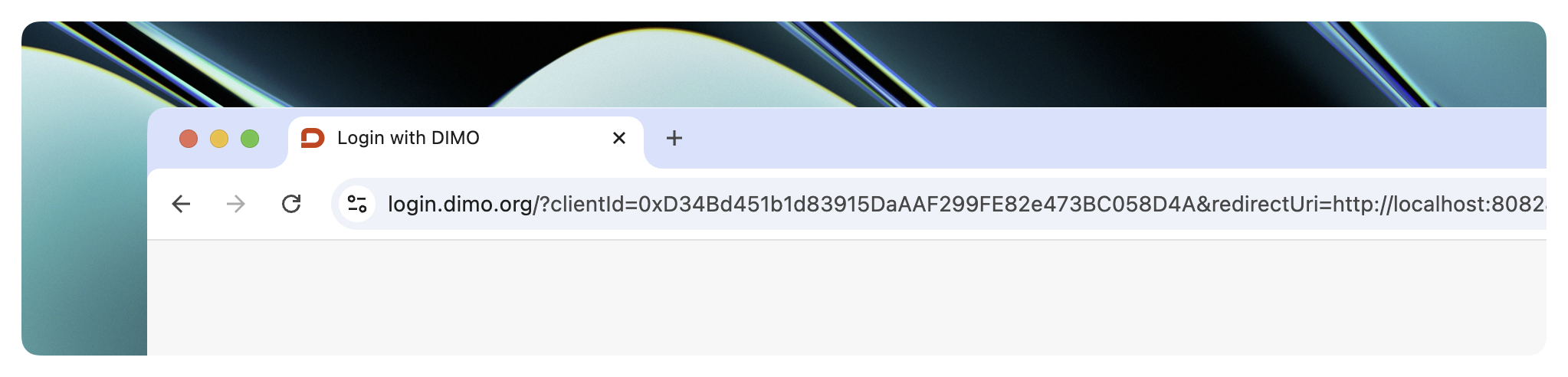
Using the Client ID and Redirect URI from your Developer License, configure your DIMO Connect URL along with the specific vehicle data you want to request from your users.
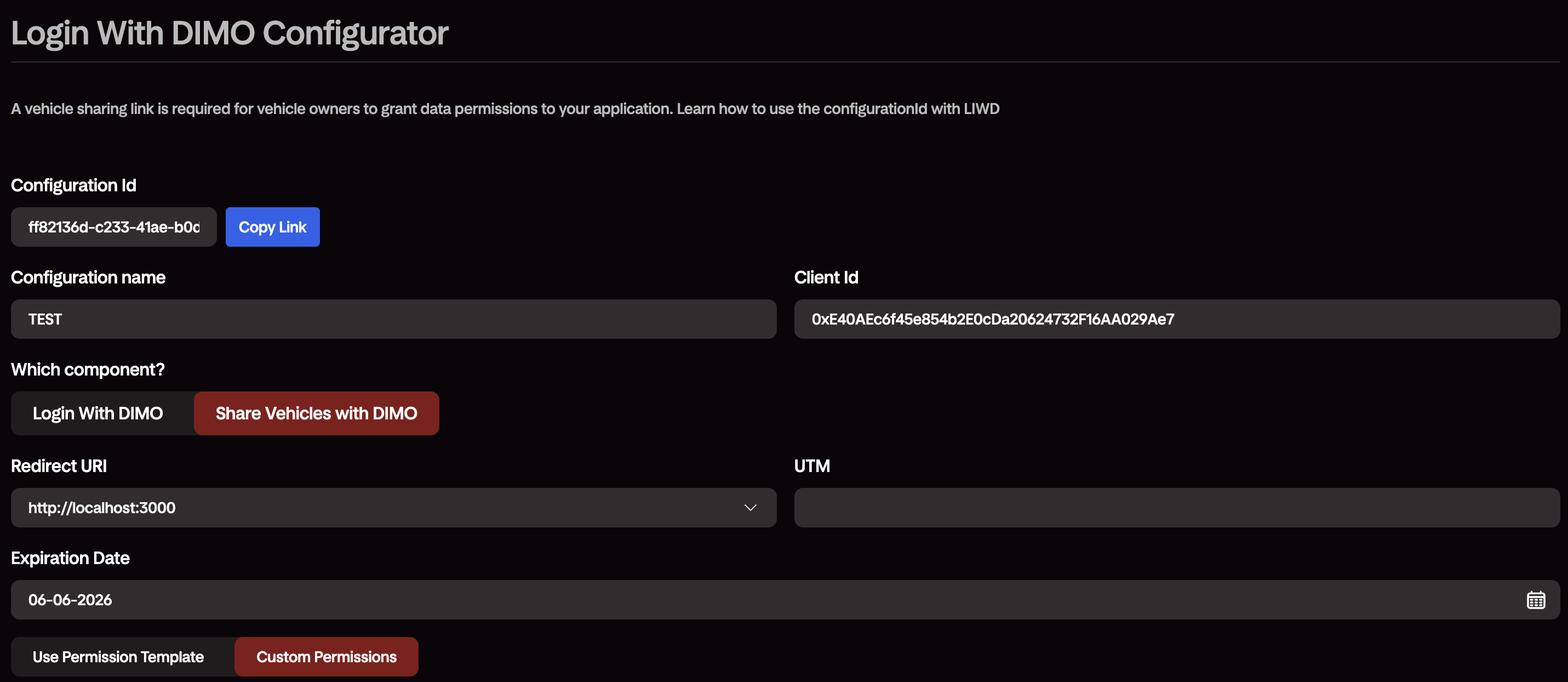
The DIMO Developer Console includes a Login With DIMO Configurator — a widget where you set your component type (LoginWithDimo or ShareVehiclesWithDimo), redirect URI, UTM, expiration date, and permissions (template or custom). It generates a Configuration ID and lets you copy the ready-to-use login.dimo.org link directly. Pass the configurationId in your integration instead of individual query parameters.
- Configuration ID
- Manual URL Params
In the Developer Console, navigate to Home > License Details > Configure Vehicle Sharing under the Vehicles section.
Open the Login With DIMO Configurator. Configure your component, redirect URI, permissions, and expiration date, then copy the generated Configuration ID.
- URL Sharing
- SDK
URL Method — use the "Copy Link" button in the Configurator, or build the URL manually:
https://login.dimo.org/?configurationId=YOUR_CONFIGURATION_ID
import {
  LoginWithDimo,
  ShareVehiclesWithDimo,
  initializeDimoSDK,
  useDimoAuthState,
} from "@dimo-network/login-with-dimo";

initializeDimoSDK({ configurationId: process.env.REACT_APP_DIMO_CONFIGURATION_ID! });

const { isAuthenticated, getValidJWT, walletAddress } = useDimoAuthState();

useEffect(() => {
  if (isAuthenticated) {
    console.log(walletAddress);
  }
}, [isAuthenticated]);

// ...

{isAuthenticated ? (
  <ShareVehiclesWithDimo
    mode="popup"
    onSuccess={authData => console.log('Success:', authData)}
    onError={error => console.error('Error:', error)}
  />
) : (
  <LoginWithDimo
    mode="popup"
    onSuccess={(authData) => console.log("Success:", authData)}
    onError={(error) => console.error("Error:", error)}
  />
)}
DIMO Connect URL Builder
Configure your DIMO Connect URL by filling out the fields below. The URL will be generated in real-time below.
Share with Users
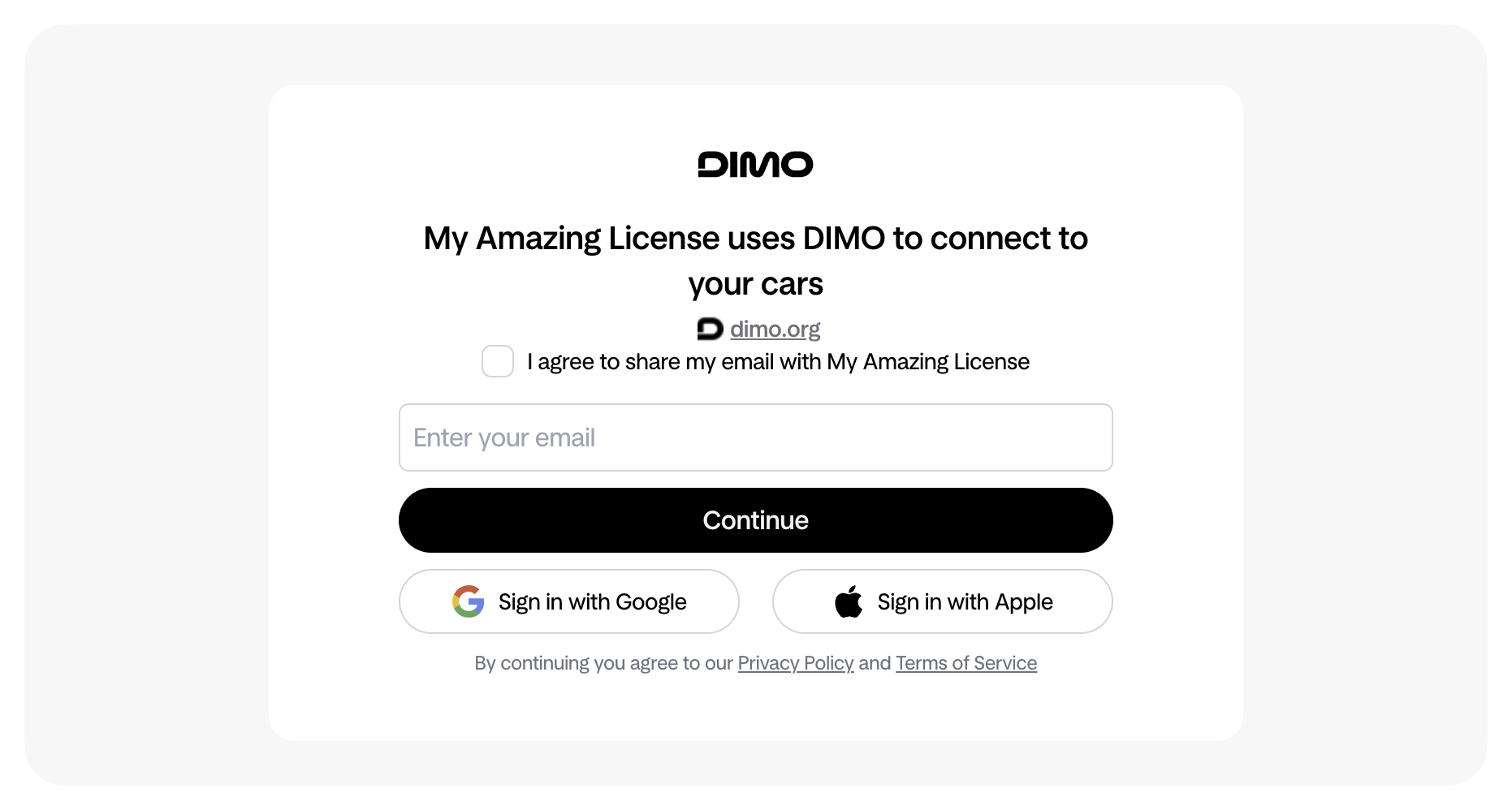
Users using your DIMO Connect URL can grant you permissions to begin accessing their vehicle data.
Check Vehicle Status
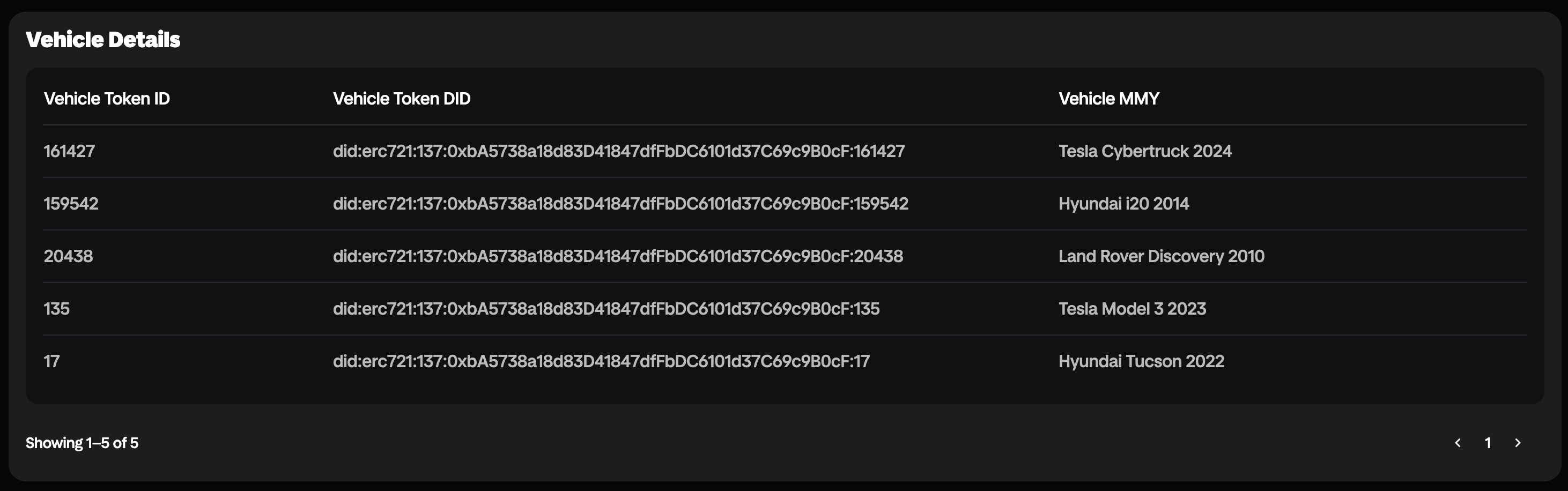
Use the DIMO Developer Console or the Identity API to track which vehicles have shared permissions with you.
Identity API
GraphQL Variables
Get Vehicle JWT
Exchange Developer JWT for a Vehicle JWT
Request Parameters
{
  "nftContractAddress": "0xbA5738a18d83D41847dfFbDC6101d37C69c9B0cF"
}Start Getting Data
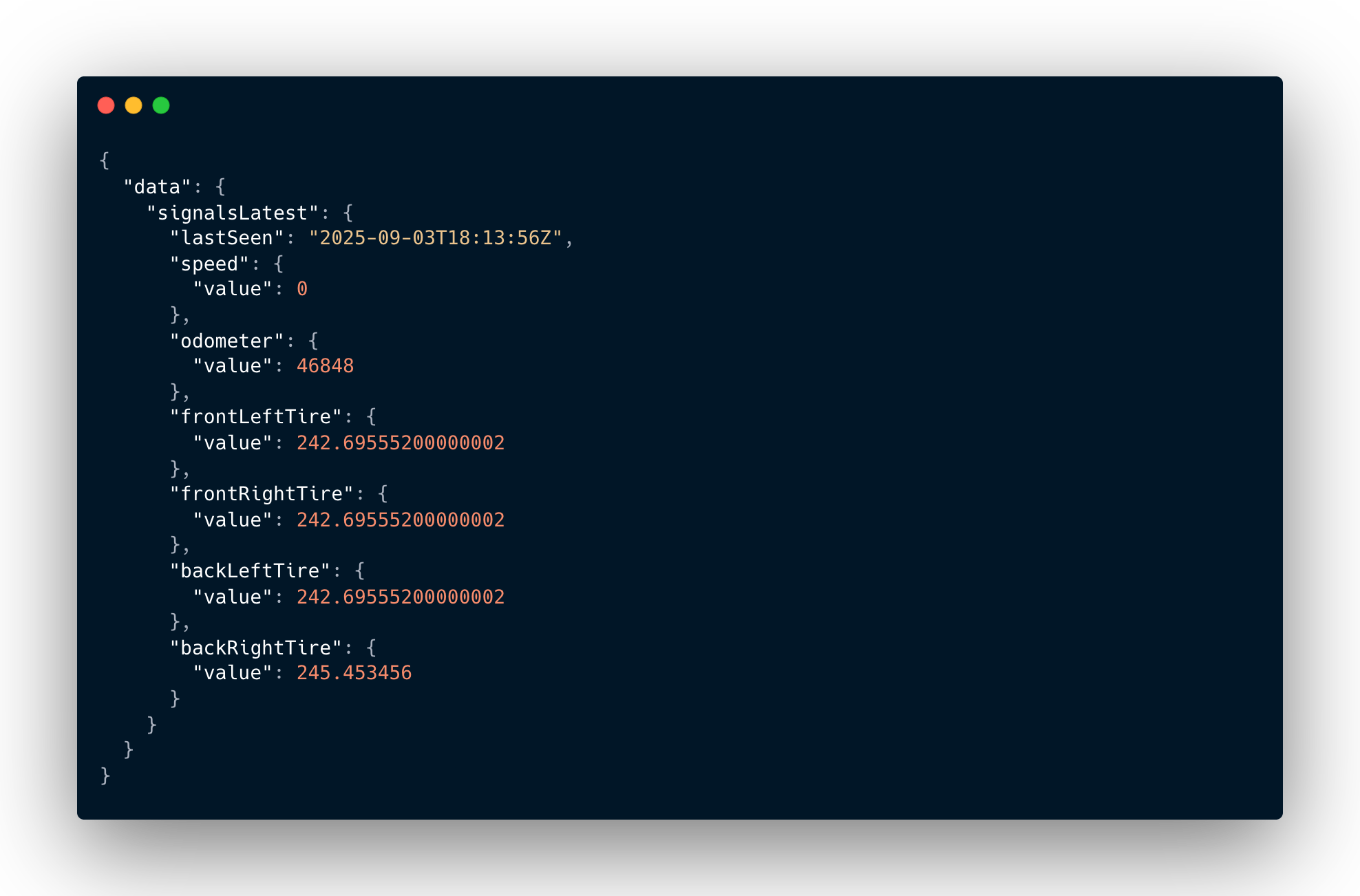
Begin polling the DIMO APIs or setting up DIMO Webhooks using one of the available Data SDKs.
Telemetry API
GraphQL Variables
Using the SDK
If you are a React developer, you are more than welcome to use the SDK directly and skip using the DIMO Connect URL. The SDK is guaranteed to have more functionalities as the DIMO Connect URL is bounded by query parameter limitations.
Building a multi-tenant app where each end user needs their own Developer License (their own API key), rather than sharing yours? See Auto-Create a Developer License for how to mint or reconnect licenses programmatically from this same SDK.
Client SDK: DIMO Connect
Full Feature List
| React SDK | Connect URL | Details | |
|---|---|---|---|
| Configuration ID | ✅ | ✅ | Use a configurationId generated from the Developer Console widget instead of manually specifying query parameters. Encodes client ID, redirect URI, permissions, and other settings in a single identifier. |
| Account Creation/Login | ✅ | ✅ | Login with DIMO allow developers to onboard users to DIMO, enabling logins across all DIMO platforms with the use of a passkey or email OTP. |
| Permissions | ✅ | ✅ | This is an optional entry state where users are asked to share their vehicles with your application, login is required before entering the vehicle permissions state. |
| Entry States | ✅ | ✅ | Multiple entry states to customize user flow |
| Campaign Tracking | ✅ | ✅ | UTM parameter allows you to drive campaigns with channel partners of yours, maximizing the potential of your application. |
| Advanced Filtering | ✅ | ✅ | Ensure that vehicles are compatible with your app by applying filters on vehicle token IDs, vehicle brand, and/or powertrain types. |
| Custom Button | ℹ️ | ✅ | Customize button style and text to fit your design needs |
| Custom Expiration Dates | ✅ | ✅ | Customize expiration dates for your user data permissions. |
| Popup Mode | ✅ | ❌ | Web popup mode |
| Advanced Transactions | ✅ | ❌ | Execute specific blockchain transactions |
| Customized Messaging | ✅ | ❌ | Customize text fields with your brand messaging to better cater to your audiences. |
| Callbacks (onSuccess/onError) | ✅ | ❌ | Customizable actions on callbacks, ensuring a full e2e experience for your beloved users. |
| Vehicle Onboarding (beta) | ✅ | ✅ | Onboarding new vehicles onto the DIMO Network, supports Tesla only. |